How Lighting Control Scenes Work: Morning, Evening, Entertaining, and Sleep Modes
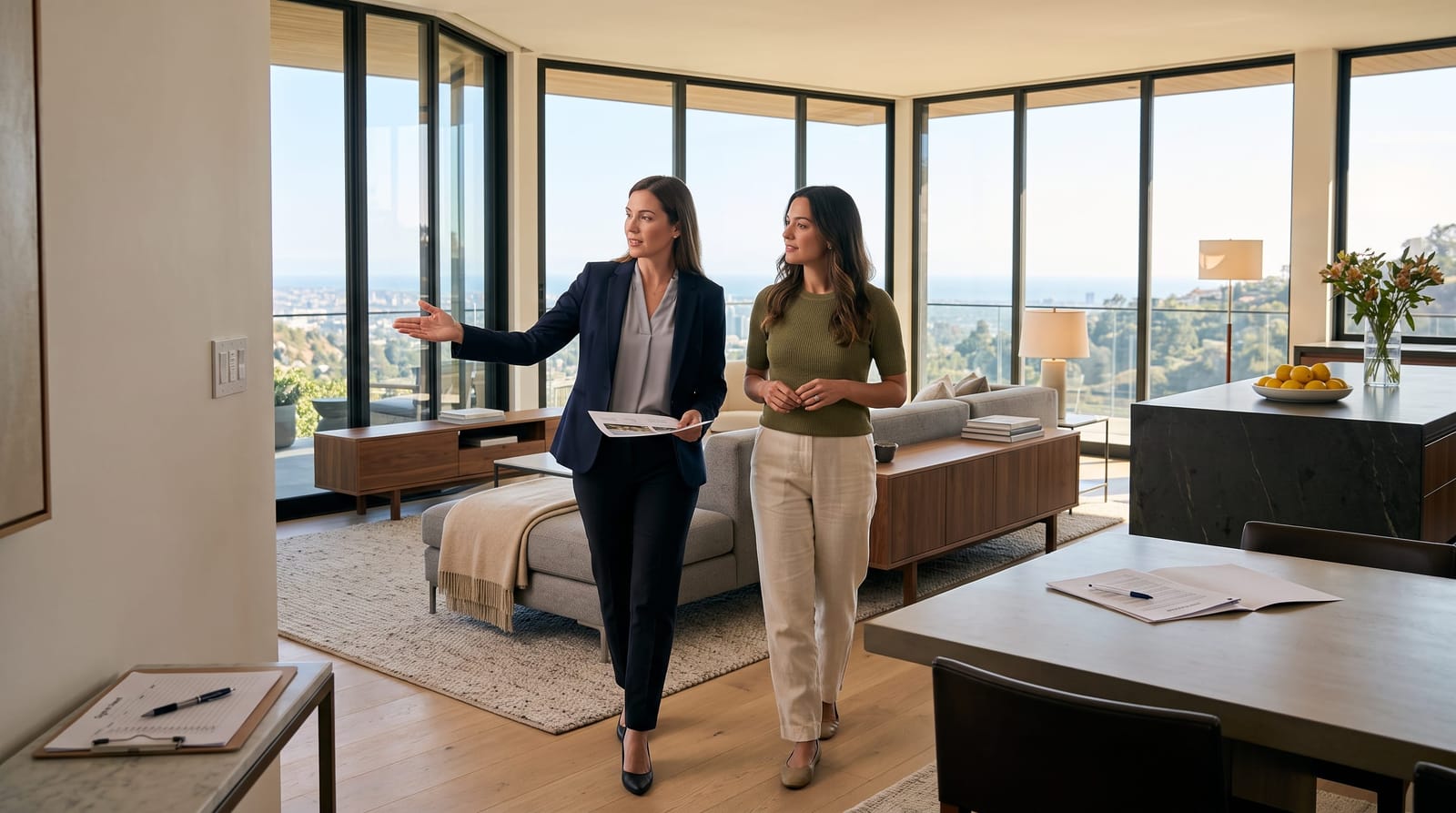
A lighting scene recalls a coordinated set of settings across several fixtures with one command. Instead of adjusting the kitchen pendants, ceiling lights, artwork lighting, and terrace fixtures separately, an “Entertain” scene brings each group to its intended level. Compatible fixtures can also change their white-light tone, while integrated motorized shades can move to selected positions.
The distinction is simple: a scene defines the setting; an automation determines when it happens. You might select “Morning” from a bedside keypad or schedule it for a preferred time. The most useful scenes combine that convenience with clear boundaries, so a command in the living room does not unexpectedly change an occupied bedroom.
Here is how to plan lighting scenes around the way your home actually works.
1. Map Your Routines Before Choosing Settings
Begin with activities, not individual fixtures. Consider where the day starts, how rooms connect, where people gather, and which spaces remain private. In an open-plan home, an evening setting may span the kitchen, dining area, and terrace. In a bedroom suite, it may involve only reading lights, indirect lighting, and shades.
For each proposed scene, record:
- Purpose: Preparing breakfast, hosting dinner, watching a film, or ending the day.
- Included areas: Name the rooms and lighting groups that respond.
- Exceptions: Identify occupied rooms or task lights that remain unchanged.
- Activation: Choose a keypad button, schedule, sensor, or app command.
- Exit behavior: Decide what happens when the activity ends or someone makes a manual adjustment.
Then review the lighting layers. General illumination establishes the room, task lighting supports activities, and accent lighting draws attention to artwork, materials, or architectural details. Decorative fixtures may provide both light and a visual focal point.
Control cannot make a poorly positioned fixture illuminate a different surface. Understanding architectural lighting design versus lighting control helps separate decisions about the light itself from decisions about how it responds.
2. Build Morning and Evening Scenes Around Daylight
Morning: illuminate the routine, not the entire house
A useful Morning scene might introduce indirect bedroom light, illuminate the dressing area, and bring kitchen task lighting to a comfortable working level. There is little reason for it to activate formal entertaining rooms that no one is using.
For a shared bedroom, separate bedside controls matter. One person may want reading light while the other prefers the room to remain dim. A gradual transition can feel less abrupt than an immediate change, but the timing belongs to the household’s preference rather than a universal formula.
Brightness and white-light tone are separate settings. Ordinary dimmable fixtures change brightness; compatible tunable-white fixtures can also change tone. Circadian lighting and home automation explores time-of-day lighting in more detail. For scene planning, the essential question is which changes the selected fixtures actually support.
Evening: shift emphasis from the room to its features
As daylight fades, an Evening scene can lower broad ceiling illumination while retaining light on artwork, textured walls, and frequently used surfaces. Kitchen preparation lighting can remain independently available rather than forcing the entire open-plan space back to full brightness.
Expansive glazing makes shade coordination particularly relevant. A scene may lower selected shades while introducing interior lighting, but different elevations may need different treatment. Integrating lighting control with motorized shades allows daylight, views, and privacy preferences to be considered together.
3. Create Separate Scenes for Entertaining, Cinema, and Work
Dinner: distinguish preparation from hosting
One “Dinner” button rarely covers every stage of an evening. Preparing food calls for a different setting from serving it, and clearing the table calls for another.
A practical sequence is:
- Prepare: Emphasize worktops, the island, and serving surfaces.
- Dine: Give the table visual priority, soften surrounding ceiling light, and retain subtle illumination through adjoining spaces.
- Clear: Restore useful light in the kitchen without abruptly brightening the dining room.
For indoor-outdoor entertaining, include the terrace deliberately. Light on planting or architectural surfaces can establish an exterior backdrop, while seating areas remain separately adjustable. Review the view from inside as well as outside, especially where glass reflects bright interior fixtures.
Cinema: control reflections as well as brightness
A Cinema scene can lower lights near the screen, close selected shades, and retain discreet illumination away from the image. Simply dimming every fixture equally may leave a decorative pendant reflected in the display.
A separate Intermission scene is useful for conversation or refreshments. It can restore selected lighting without opening shades or changing unrelated rooms. Decide whether cinema lighting responds to an explicit command or to an entertainment-system action, rather than linking every television use to a darkened room.
Work: keep task lighting independent
An office often needs its own scene logic. Screen work, video calls, and reading documents place different demands on lighting. A household Evening scene need not dim a workspace that is still occupied. These distinctions are explored in our guide to home office lighting control.
4. Define Arrival, Away, and Sleep Modes Precisely
Arrival and Away: avoid an indiscriminate whole-home command
An Arrival scene can illuminate the entrance, adjoining interior spaces, and selected exterior features. A daytime arrival may need a different response from an arrival after sunset.
For security-related lighting, define which exterior areas remain illuminated and how their schedules interact with Arrival and Away modes. Keep those lighting actions distinct from security-system arming so the meaning of each control remains clear.
Away also needs exceptions. Turning off every light may be inappropriate when another household member is working upstairs or guests are using a separate suite. A main-house departure scene and a whole-property Away scene serve different purposes.
Sleep: separate winding down from lights out
“Wind Down” and “Goodnight” are often more useful than one broad Sleep command. Wind Down can soften the bedroom and adjacent living areas while leaving reading lights available. Goodnight can switch off selected spaces, close bedroom shades, and retain the low-level lighting chosen for nighttime movement.
A Night Path scene can use a sensor to activate selected low-level fixtures during designated hours. Plan its reach carefully: a hallway response need not illuminate the bedroom ceiling. Consider sensor placement, duration, and whether a manual command temporarily suspends the automatic response.
Keep Goodnight separate from guest-room lighting unless guests have been given a clear way to control that interaction.
5. Choose Controls That Make Scenes Easy to Use
A scene library only helps when its controls are understandable. Use short labels that describe an activity, such as Morning, Dine, Cinema, or Goodnight. Similar names for different settings make a keypad harder to interpret.
Place everyday controls where the decision happens: an entrance keypad for Arrival, dining-area controls for entertaining, and bedside access for Goodnight. Keep less frequently used adjustments in the app rather than giving every variation a wall button.
At Smart Homes Innovations in Van Nuys, we tailor lighting control to the homeowner’s lifestyle, including architectural scenes and layouts designed to reduce wall-switch clutter. A planned keypad can provide access to several lighting groups without presenting a separate visible control for each one. That cleaner wall treatment is a design decision, not simply the result of adding an app.
When evaluating Lutron lighting control for residential projects, consider keypad layout, fixture compatibility, and the scope of control alongside the scenes themselves.
For each automation, settle three practical questions:
- What triggers it? A fixed schedule suits regular routines; a sunset-based event follows changing daylight.
- What takes priority? Decide how a manual adjustment interacts with the next scheduled event.
- How is it paused? Entertaining, visitors, and changing routines need an understandable way to suspend normal behavior.
6. Refine Scenes in the Finished Rooms
Initial programming establishes the structure. Final adjustment is most useful with furniture, artwork, window treatments, and finishes in place, because these affect how the light looks from occupied positions.
Evaluate each scene where it will be experienced: seated at the dining table, reclining in the theater, standing at the kitchen island, or reading in bed. A setting that looks balanced from the doorway may create an unwanted reflection from the sofa.
During this review, check:
- Low-level dimming: Look for flicker, abrupt shutoff, or mismatched behavior between fixtures.
- Transitions: Adjust fades so changes suit the activity rather than drawing attention to themselves.
- Boundaries: Confirm that private rooms and active workspaces remain unaffected where intended.
- Competing commands: Test what happens when schedules, sensors, and manual controls overlap.
- Everyday clarity: Check whether someone unfamiliar with the system can understand the essential buttons.
Record the final scene names, included areas, and exceptions. This gives future adjustments a clear starting point instead of allowing small changes to accumulate without a consistent plan.
The Best Scene Is One You Do Not Need to Correct
Successful lighting scenes coordinate the right fixtures, preserve useful exceptions, and remain easy to override. Start with the moments that repeat most often, then refine the levels and transitions in the actual rooms. The result is a more considered lighting experience: fewer individual adjustments, clearer controls, and an atmosphere that follows the activity rather than interrupting it.