Lutron Lighting Control: Why It's the Gold Standard for Luxury Homes
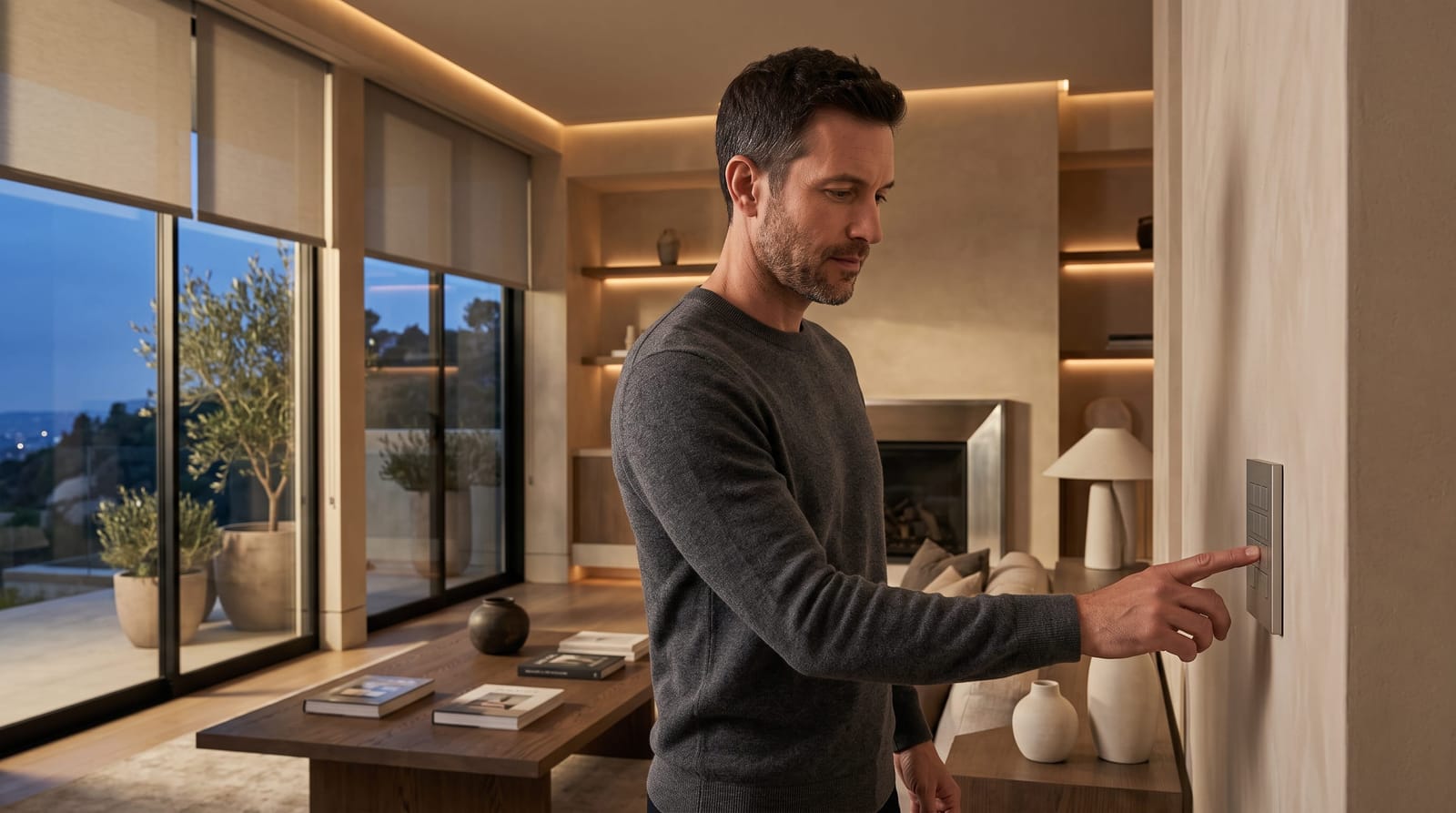
Lutron’s appeal in a luxury home is the ability to coordinate lighting control, automated shades, architectural keypads, and compatible intelligent lighting within a considered design. The benefit is not simply controlling more lights. It is creating an evening scene that suits the room, reducing visual clutter on the walls, and making everyday adjustments intuitive.
The right specification depends on the home. A finished residence may call for a retrofit-focused system, while new construction creates opportunities to plan wiring, equipment space, and controls alongside the architecture. In either case, fixture compatibility and careful programming matter as much as the product name.
At Smart Homes Innovations in Van Nuys, we tailor lighting control to the homeowner’s routines and the home’s design. That starts with understanding what RadioRA 3, HomeWorks, and Ketra each contribute, rather than treating them as interchangeable options.
Separate the Control System from the Light It Produces
RadioRA and HomeWorks are control-system families. Ketra belongs to the lighting side of the specification. They are not three tiers of the same product.
A control system determines how lighting responds to keypads, schedules, scenes, and compatible connected systems. The fixtures and their supporting components determine what that light looks like: its distribution, color, glare, and behavior as it dims.
Lutron’s residential system comparison outlines the control families and their associated lighting and shading options:
- RadioRA 3: A wireless, professionally programmed system suited to residential retrofits, with lighting, keypad, and compatible shade control.
- HomeWorks: A whole-home control option for projects requiring a more extensively customized lighting environment.
- HomeWorks QS: A specific HomeWorks system designation that matters when assessing an existing installation or planning an upgrade.
- Ketra: A lighting option within a compatible HomeWorks specification, rather than a substitute for the control system.
The distinction matters beyond product selection. An architectural lighting control system can make a well-designed lighting scheme easier to use, but it cannot correct a poorly placed downlight or an unsuitable beam angle. Lighting design and control design need to work together.
Consider RadioRA 3 When Preserving Finished Interiors Is a Priority
A finished residence presents a different brief from a new build. Stone walls, decorative plaster, millwork, and occupied rooms can make extensive changes undesirable. The question becomes how much control can be introduced while respecting what is already there.
RadioRA 3 supports keypad control, automated shading, scheduling, and compatible intelligent lighting, including tunable-white options. Schedules can follow specific times or sunrise and sunset.
Wireless communication does not mean every existing fixture or switch can remain unchanged. The proposed dimmers, fixtures, wiring, and control locations still need to work together. A room-by-room assessment can establish:
- Which fixtures will remain and which will be replaced.
- Where switches are located and which groups of lights they control.
- Where scene keypads would simplify everyday use.
- Which windows need coordinated shade control.
- How system placement will accommodate different floors, wings, and separate structures.
For a completed hillside residence, the priority might be coordinating living-room lighting, kitchen pendants, and terrace-facing shades without broadly reopening finished walls. That makes RadioRA 3 worth evaluating. The deciding factors are the existing electrical layout, compatible equipment, and desired functions, not simply the home’s size or finish level.
Plan HomeWorks Around the Architecture and Identify the Generation
For a new residence or substantial renovation, lighting control can be planned alongside the architecture. This creates an opportunity to coordinate keypad locations, equipment space, wiring routes, and future access before interiors are complete.
HomeWorks belongs in that conversation when extensive customization is central to the brief. Compare the proposed configuration with a simpler system: does it better accommodate the lighting, shading, interface, and integration requirements? A more elaborate specification earns its place through useful capabilities, not through its position in a product range.
Assess an existing HomeWorks QS installation precisely
When an equipment label or proposal says HomeWorks QS, retain that distinction throughout the planning process. Compatibility needs to address the particular processor, keypad, lighting product, and integration involved, rather than HomeWorks as a general family.
An upgrade assessment begins with an inventory of processors, keypads, dimming equipment, connected lighting, and available programming records. The proposal can then distinguish:
- Equipment being retained.
- Equipment being replaced.
- Functions that depend on the upgrade.
This is especially important when Ketra is part of the design. Its inclusion in the broader HomeWorks ecosystem does not make every existing QS installation compatible with every proposed Ketra configuration.
The Lutron Homeworks vs RadioRA comparison offers a useful starting point for comparing control scope before developing the equipment specification.
Judge Dimming Quality with the Proposed Fixtures
The most revealing lighting demonstration often happens near the bottom of the dimming range. A dining room may look polished at full brightness yet feel uncomfortable when its evening setting remains too bright or different fixtures fade unevenly.
Dimming quality depends on the combination of control equipment, LED driver, light source, and programming. Choosing a premium control brand does not replace testing the intended combination.
For important spaces, a demonstration or mockup using the proposed fixture and compatible control equipment can answer five practical questions:
- Low-level behavior: Does the light remain steady at the intended evening setting?
- Fade quality: Do transitions feel smooth rather than abrupt?
- Consistency: Do matching fixtures respond together?
- Sound: Is there noticeable noise during operation?
- Scene balance: Do decorative fixtures, downlights, and concealed lighting complement one another?
For Ketra or another adjustable-color lighting specification, extend the review beyond brightness. View stone, timber, textiles, and artwork under the proposed settings. Their appearance can change with the light, so the useful test is whether the selected settings complement the interior, not how many effects the system can display.
Define Reliability Through Everyday Use
Reliability becomes easier to evaluate when it is expressed as expected behavior. The bedside keypad needs to be understandable, scheduled scenes need to follow the agreed routine, and the homeowner needs to know which functions remain available if a connected service is interrupted.
Before installation, the design documentation can distinguish local lighting functions from features that depend on a network, internet connection, or another platform. It can also identify where scenes and schedules are managed, so later changes do not create conflicting instructions.
Include commissioning and handover in the scope
Commissioning is the final testing and adjustment that turns an installed system into a usable lighting environment. A useful scope includes:
- Testing every keypad against its agreed button labels.
- Reviewing scene levels after dark, not only during installation hours.
- Checking schedules and seasonal timing settings.
- Having the project team test agreed outage and recovery scenarios.
- Recording the final configuration and the process for later changes.
Also clarify who coordinates lighting, networking, and broader automation, and who handles adjustments after handover. This makes support responsibilities clear before several systems become part of one daily routine.
Specify Integrations by Task, Not by Logo
Integration with other home technologies is part of Lutron’s lighting and shade control offering. The useful detail in a proposal is what each connection allows the homeowner to do.
Describe the desired interaction first, then match it to the exact Lutron system generation, third-party platform, and integration method.
An “Evening” command, for example, might recall a lighting scene, adjust compatible shades, and select music through another system. The proposal can identify which platform initiates the command, which system manages each action, and how lighting remains accessible independently.
Useful integration questions include:
- Can the interface recall scenes, adjust individual lights, or both?
- Does it display the current lighting state?
- Where are schedules stored and edited?
- Who updates the integration if equipment or software changes?
Clearly labeled physical controls remain valuable for frequently used functions. A guest entering a bedroom needs a straightforward way to adjust the lights without learning the whole-home interface.
Design Keypads as Part of the Interior
Keypad selection involves more than choosing a finish. Proportion, button count, engraving, placement, and alignment with nearby controls all affect how deliberately the technology sits within the architecture.
Review keypad families and finishes supported by the selected system before completing interior elevations. Availability and compatibility vary across control families and generations.
In a principal living space, scene names such as “Entertain,” “Evening,” and “Quiet” may be more useful than a wall of individual lighting labels. In a dressing room, separate controls for general and mirror lighting may be clearer. The interface can follow the purpose of each room rather than imposing one button layout throughout the house.
A full-size layout or sample helps establish the finish and proportions beside stone, paint, and millwork. Finalize engraving after the scene functions are agreed, so each label describes an action the homeowner can readily understand.
Give Tunable Lighting a Clear Purpose
Dimming changes brightness. Tunable-white lighting also changes how warm or cool white light appears. Separating those choices helps define whether a room needs adjustable color, brightness control, or both.
A brighter daytime setting and a softer evening atmosphere are useful design goals. Compare the lighting options supported by the proposed RadioRA 3 or HomeWorks configuration, with Ketra evaluated within a compatible HomeWorks design when adjustable color is central to the brief.
When planning circadian lighting home automation, focus on timing, visual comfort, and personal preferences. Health-specific goals need guidance from a licensed healthcare professional who understands your individual situation.
Begin with a small set of purposeful scenes, retain convenient manual adjustment, and review the settings in the actual rooms. Frequent changes are not inherently better. A successful schedule feels appropriate to the activity, the available daylight, and the interior.
Compare the Specification, Not Just the Brand
A useful lighting-control proposal names the system and generation, identifies compatible fixtures and keypads, describes the intended scenes and integrations, and includes testing, adjustment, and handover. Comparing those details reveals whether the design will serve the home’s daily life as thoughtfully as its architecture.