Smart Lighting Control for Home Offices in Beverly Hills and Brentwood
The home office has become one of the most consequential rooms in a high-end residence, and in Beverly Hills and Brentwood, where professionals routinely conduct board-level meetings, creative work, and client consultations from home, its lighting deserves the same level of intention as the rest of the house. A smart lighting home office in Beverly Hills goes well beyond a stylish desk lamp. It means precisely tuned environments that shift with your schedule, eliminate on-screen glare, and make every video call look as polished as an in-studio production. Here are five expert tips for getting it right.
Tip 1: Design for Multiple Modes, Not Just One Light Level
The most common mistake in home office lighting is designing for a single scenario. A well-designed workspace demands at least four distinct lighting modes, each serving a different function throughout the workday.
Consider how dramatically your needs shift: deep focus work in the morning requires cooler, brighter light that promotes alertness, while an afternoon strategy session benefits from a warmer, lower-intensity setting that encourages conversation rather than screen fatigue. Creative reviews, reading, and end-of-day wind-down each call for something different again.
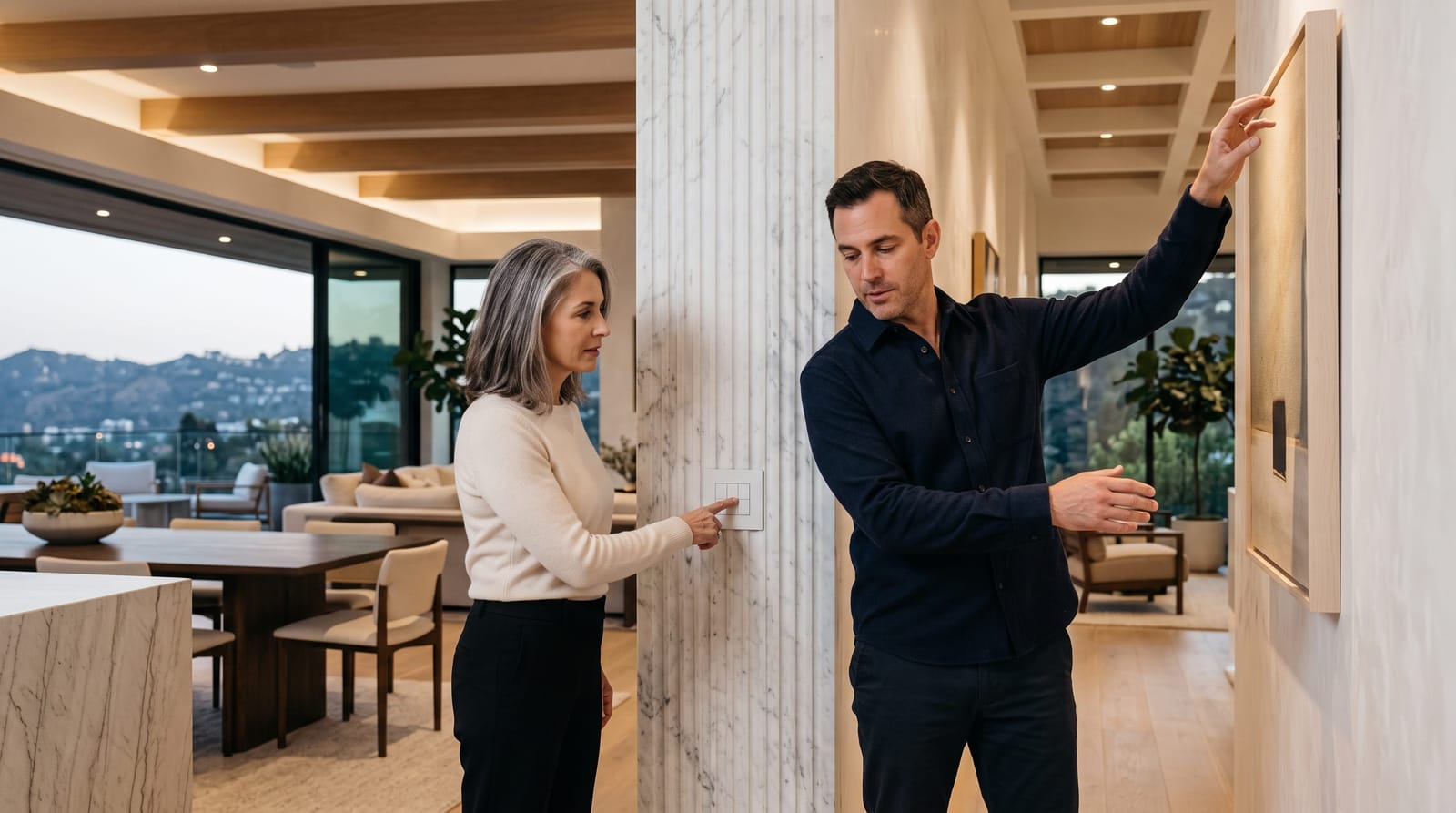
In a professionally programmed lighting control system, these modes are saved as scenes and recalled instantly, from a keypad, a touchscreen, or a voice command. Rather than adjusting multiple fixtures manually, a single button press transitions the room from "morning focus" to "video call" to "reading" without any friction. For professionals in Brentwood and Beverly Hills managing demanding schedules, that seamlessness is not a convenience: it is a meaningful reduction in cognitive overhead.
- Focus mode: Bright, cool-toned light (5000-6500K color temperature) directed at the work surface
- Video call mode: Soft, diffused front lighting that flatters on camera without harsh shadows
- Reading mode: Warm, lower-intensity ambient light that reduces eye strain
- Wind-down mode: Warm, dim lighting (2700K or below) to signal the end of the workday
Tip 2: Optimize for Video Calls with Strategic Scene Programming
Video conferencing has become a daily reality for executives, attorneys, agents, and creatives across the Westside. Yet most home offices, even beautifully designed ones, are lit in ways that read poorly on camera: strong backlighting from windows, unflattering overhead downlights, or cool fluorescent sources that wash out skin tone.
A thoughtfully programmed smart lighting system addresses this directly. The goal is soft, even illumination in front of the subject, at approximately face height, with controlled background lighting that communicates professionalism without visual noise. Tunable white fixtures allow you to dial in a color temperature that renders naturally on camera, typically in the 3000-4000K range.
Scene programming makes this effortless. Rather than experimenting with switches before every call, your "video call" scene activates the right combination of fixtures at the right levels instantly. Some clients in Beverly Hills prefer a warmer, more residential aesthetic for their on-camera background; others favor a cleaner, more minimal look. Both are achievable, and both can be saved and recalled in seconds.
Tip 3: Control Glare with Integrated Shading and Lighting
Natural light is one of the most valuable assets in a luxury home office, but left unmanaged, it is also one of the most disruptive. Glare on monitors, harsh afternoon sun across the Westside, and rapidly changing sky conditions throughout the day can undermine both comfort and productivity.
The most effective solution is a coordinated approach where motorized shades and architectural lighting work as a single system. As natural light increases, shades adjust to filter without fully blocking the view; as it diminishes, the artificial lighting compensates seamlessly. This coordination eliminates the jarring transitions that come from managing shades and lights independently.
The relationship between shading and lighting control is worth understanding in depth: our post on how lighting control and motorized shades work together in a smart home explores the integration logic in detail. For home offices specifically, this integration means your workspace maintains a consistent, comfortable light level from early morning through late afternoon without a single manual adjustment.
- Motorized solar shades reduce glare while preserving outward views
- Blackout layers can be programmed for deep focus or video call modes
- Time-of-day automations adjust shading positions as the sun moves
- Lighting scenes compensate for shade position to maintain consistent brightness
Tip 4: Use Tunable White Lighting to Support Your Natural Rhythm
Lighting color temperature has a measurable effect on how alert or relaxed we feel at different points in the day. Cooler light in the 5000-6500K range is generally associated with focus and wakefulness; warmer light below 3000K signals the body to begin transitioning toward rest. Tunable white lighting, fixtures capable of shifting across this spectrum, allows a home office to reflect those natural rhythms rather than work against them.
In a circadian-informed lighting schedule, the system gradually adjusts color temperature throughout the day without manual input. A professional in Brentwood who starts work at 7 a.m. might begin with cooler, energizing light, transition through a neutral midday tone, and see the office shift to a warmer palette by late afternoon. This kind of scheduling is set once and runs automatically, adjusting with seasonal changes in sunrise and sunset if the system is configured to do so.
It is worth noting that while tunable lighting is designed to support natural daily rhythms, individual responses vary. This content is informational; consult a qualified healthcare professional for any personal wellness concerns. That said, from a pure comfort and performance standpoint, most clients report that a well-calibrated tunable schedule simply makes the workday feel less draining, which is reason enough to consider it.
Tip 5: Invest in Architecture-Grade Fixtures, Not Off-the-Shelf Smart Bulbs
Smart lighting quality varies enormously. Consumer-grade smart bulbs retrofitted into standard fixtures rarely achieve the color accuracy, dimming smoothness, or long-term reliability expected in a home valued at $5 million or more. In Beverly Hills and Brentwood, where interior design is deliberate and materials are carefully specified, the lighting hardware matters as much as the control system behind it.
Architecture-grade fixtures offer several meaningful advantages in a home office context:
- Smooth dimming curves with no flicker at low levels: critical for screen-adjacent environments
- Accurate color rendering (CRI 90+) that makes finishes, artwork, and skin tone read true
- Consistent color temperature across dimming ranges, so warm-dimming behaves predictably
- Compatibility with professional control platforms for reliable, long-term integration
- Discreet profiles that integrate into ceilings, millwork, and architectural details without visible hardware
Working with an experienced integrator ensures that fixture selection, placement, and control programming are coordinated from the start: rather than addressed as separate decisions that have to be reconciled later.
Frequently Asked Questions
What color temperature is best for a home office?
For focused work, cooler color temperatures in the 4000-6500K range are generally preferred. For video calls, a range of 3000-4000K tends to render more naturally on camera. With a tunable white system, you do not have to choose: the system adjusts throughout the day based on your schedule and tasks.
Can smart lighting in a home office be controlled from a phone or tablet?
Yes. Professional lighting control systems typically offer a mobile app interface alongside physical keypads. Many clients prefer the speed of a dedicated keypad in the room, a single button press versus navigating an app, while still having full mobile control for remote access or on-the-fly adjustments.
How long does it take to program lighting scenes for a home office?
Programming is typically completed during the commissioning phase of a project. A skilled integrator can set up, refine, and finalize multiple scenes in a single session. Adjustments are easy to make afterward as your preferences become clearer over time: most professional platforms allow scene updates remotely or during a brief service visit.
Does smart lighting integrate with other home systems like shades and HVAC?
In a professionally designed smart home, lighting control is part of a unified system rather than a standalone product. Shades, climate, audio, and lighting can all respond to a single scene or schedule. This is what distinguishes an integrated architecture from a collection of disconnected devices, and it is especially impactful in a home office setting where consistency and efficiency matter.
Bringing It All Together
A thoughtfully designed smart lighting home office in Beverly Hills or Brentwood is not about complexity: it is about creating an environment that performs exactly as you need it to, without requiring your attention. From tunable scheduling and glare-controlled video call scenes to the seamless coordination of lighting and motorized shades, the technology disappears into the architecture. What remains is a workspace that is refined, comfortable, and completely responsive to your day. If you are planning a home office renovation or new build in the Westside, we would welcome the opportunity to discuss your vision. Schedule a consultation with our team to explore how integrated lighting design can elevate how you work at home.