What Is a Smart Home Scene and How Do Automation Scenes Work?
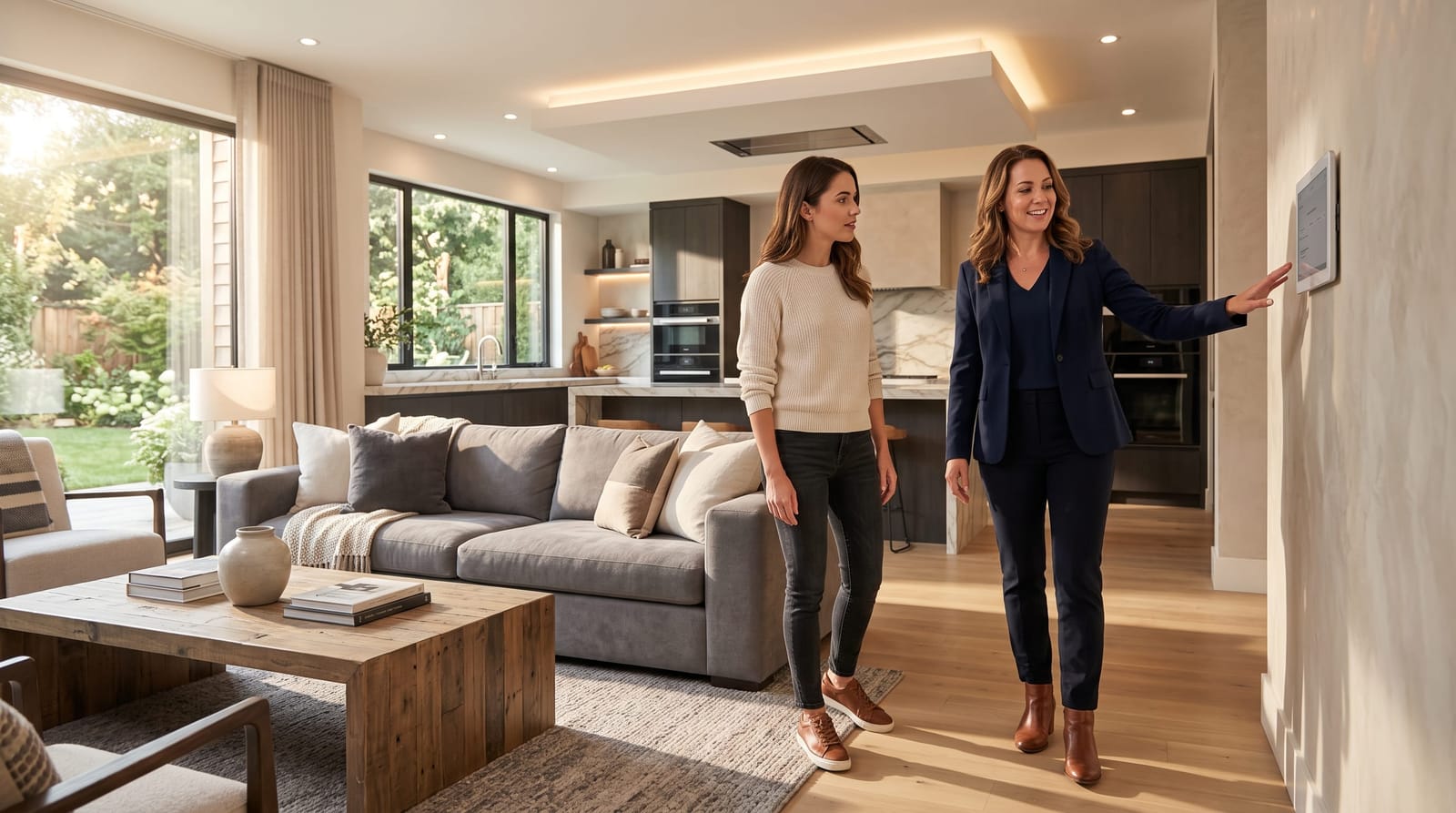
If you've heard the term "scene" thrown around in smart home conversations, you're not alone in wondering what it actually means. Smart home automation scenes explained simply: they are pre-programmed combinations of device actions triggered by a single command. One tap sets your lights, thermostat, shades, and music in motion, all at once. For Los Angeles homeowners exploring whole-home automation, scenes are where the technology starts feeling genuinely magical. This guide breaks down exactly how they work and why they matter.
What Is a Smart Home Scene?
A smart home scene is a saved configuration that controls multiple devices simultaneously. Think of it as a snapshot of how you want your home to feel at a specific moment. You create the scene once. Then you activate it whenever you need it.
Scenes are different from simple device controls. Turning off a single light is a device action. Triggering "Movie Night", which dims every light in the living room, closes the motorized shades, lowers the projector screen, sets the thermostat to 70°F, and activates the surround sound, that is a scene.
Smart home automation scenes explained in practical terms: they translate your lifestyle preferences into instant, repeatable commands. Instead of adjusting six different apps or controls, you issue one command. Your home responds as a unified system.
This is why professional system integration matters so much. Scenes only work seamlessly when all your devices, lighting, HVAC, audio, shading, security, communicate through a single, unified platform. Fragmented app-based setups struggle to execute true multi-system scenes reliably.
How Do Automation Scenes Actually Work?
Behind every scene is a set of instructions stored on your smart home controller or hub. When you trigger the scene, the controller sends simultaneous commands to each enrolled device. The devices respond in a coordinated sequence.
Here is how that process breaks down:
- You define the scene. During setup, your integrator programs which devices are included and what each device should do. Lighting levels, temperature targets, shade positions, and audio sources are all specified.
- The scene is saved to the control system. Professional platforms like Control4, Crestron, or Lutron store scene configurations locally. This means they execute quickly and reliably, even without internet connectivity.
- A trigger activates the scene. Triggers can be manual (a button tap, a voice command, an app press) or automatic (a scheduled time, a sensor event, or your location detected via geofencing).
- The controller dispatches commands. Each device receives its specific instruction. Lights dim to the correct level. The thermostat adjusts. Shades descend. The sequence completes within seconds.
The sophistication of this execution depends on your platform. Consumer-grade hubs often delay or partially fail during complex scenes. Professional-grade systems handle dozens of devices in precise coordination, which is why high-net-worth homeowners in Los Angeles consistently choose dedicated integration over DIY setups.
Popular Smart Home Automation Scenes for Luxury Homeowners
Smart home automation scenes explained through real examples make the concept much clearer. Here are six scenes that resonate strongly with luxury homeowners across Los Angeles:
Good Morning
This scene activates at your preferred wake time. Shades rise gradually to let in natural light. The thermostat shifts from sleep to comfort mode. Your preferred morning playlist begins softly in the kitchen. The coffee maker starts. It is a gentle, curated transition into the day: no alarms, no scrambling.
Movie Night
A single command transforms your living room. Lights dim to 10%. Motorized blackout shades close. The projector and screen lower. Surround sound activates at your preferred volume. The thermostat adjusts for an occupied room. The whole process takes about three seconds.
Away
When you leave, "Away" mode secures the home. All lights turn off. The HVAC shifts to an energy-saving setpoint. Security cameras activate to full recording mode. Door locks engage. Motorized shades close for privacy. This scene alone often reduces unnecessary energy consumption significantly, and Los Angeles homeowners with large properties find it especially valuable.
Dinner Party
Dining areas illuminate at a warm, flattering level. Background music plays through the whole home at a conversational volume. The outdoor patio lights activate. The kitchen stays bright for catering prep. Guests experience an atmosphere that feels effortlessly curated, because it is.
Goodnight
A single bedside button press runs through your entire security checklist. Every light turns off. Doors lock. The alarm arms. The thermostat shifts to sleep mode. Bedroom blackout shades lower fully. You go to sleep knowing the home has handled itself.
Focus / Work From Home
This scene is increasingly popular in Los Angeles. Office lighting adjusts to a cool, energizing tone. Notifications from entertainment systems pause. The thermostat maintains a productive temperature. Do Not Disturb activates on your home's intercom system. Your environment supports concentration without manual adjustment.
Manual vs. Automatic Scene Activation
Scenes can be triggered in two broad ways. Understanding the difference helps you design a smarter automation strategy.
Manual activation puts you in direct control. You press a keypad button, use a touchscreen panel, speak a voice command, or tap your app. Manual scenes work well for situations that vary, like entertaining, where you want flexibility over timing.
Automatic activation removes the need to do anything at all. Scenes fire based on conditions you set in advance. Common automatic triggers include:
- Scheduled times (sunrise, sunset, 10:00 PM)
- Geofencing (your phone crosses a location boundary and "Welcome Home" activates)
- Sensor events (a motion sensor detects activity, or a door opens)
- Occupancy patterns (the system learns your routines over time)
The most intuitive smart homes blend both approaches. Routine scenes, waking up, leaving, arriving home, going to sleep, run automatically. Situational scenes, movie night, dinner parties, focus mode, activate on demand. This balance creates a home that anticipates your needs without overriding your preferences.
Homeowners with complex properties, including those navigating the unique infrastructure demands covered in our guide to smart home automation for hillside homes in Los Angeles: unique challenges and solutions, often rely more heavily on automatic scenes to manage multiple zones and access points efficiently.
Why Scenes Require Proper System Integration
This is the point where smart home automation scenes explained conceptually meets real-world execution. Scenes sound simple. Making them work flawlessly is not.
Consumer smart home products often operate in silos. Your Philips Hue lights use one app. Your Nest thermostat uses another. Your Sonos speakers use a third. Getting all three to respond to one command, reliably, instantly, every time, requires a unified control layer. That layer is what professional integration provides.
A professionally integrated platform ties every system together under a single controller. Lighting, HVAC, audio/visual, shading, security, and access control all communicate through one brain. When you trigger a scene, every device responds on cue. There is no latency. There is no partial failure. The experience feels seamless because the architecture is seamless.
This is why scenes are often described as the best demonstration of what whole-home integration actually delivers. They are not just convenient. They are proof that your systems are working together the way they should.
Frequently Asked Questions
Can I create my own smart home scenes, or does a professional need to program them?
On most professional platforms, your integrator sets up the initial scenes and trains you on how to modify them. Many systems offer user-friendly interfaces that let you adjust existing scenes, changing a dimming level or a temperature target, without professional help. Creating complex, multi-system scenes from scratch typically benefits from professional programming to ensure reliable execution.
How many scenes can a smart home have?
There is no strict limit. Professional control systems can store dozens or even hundreds of scenes. Most households actively use between eight and twenty scenes on a regular basis. Your integrator will help you identify which scenes match your actual lifestyle rather than building out scenes you will never use.
Do scenes still work if my internet goes down?
On professional-grade platforms like Control4 or Crestron, most scenes run locally on the home controller. They do not depend on the internet to execute. Consumer platforms that rely on cloud servers may lose scene functionality during an outage. This is one key advantage of professional integration for homeowners who prioritize reliability.
Can scenes work differently at different times of day?
Yes. Many systems support time-based scene variations. A "Good Morning" scene on a weekday might activate at 6:30 AM with energizing light levels. On weekends, the same scene might run at 8:30 AM with softer settings. Your integrator can build this kind of conditional logic into your system's programming.
Bringing It All Together
Smart home automation scenes explained clearly reveal what sets a truly integrated home apart from a collection of connected gadgets. Scenes transform individual devices into a coordinated living environment that responds to your life. They make your home more comfortable, more efficient, and far easier to live in. The key is building them on a platform where every system communicates seamlessly. That foundation, unified system integration, is what makes scenes work the way they should, every single time.